Search Here logo Welcome to IT Solutions & Services WordPress Theme

EN

Classic & Modern Retail

Phasellus ultricies aliquam volutpat ullamcorper laoreet neque, a lacinia curabitur lacinia mollis 1
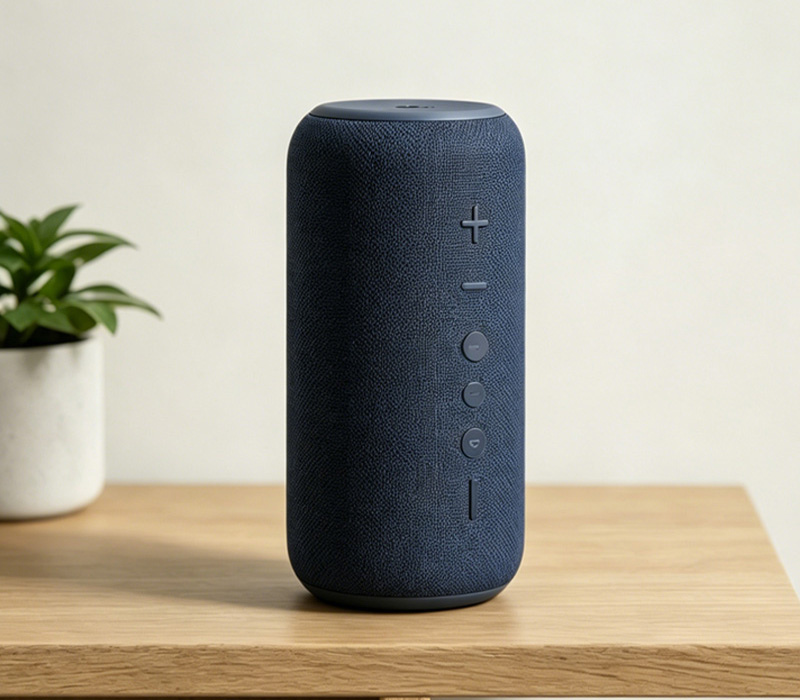
product6

Bluetooth Speaker

There are many variations of passages of Lorem Ipsum available, but the majority have suffered alteration in some form, by injected humour, or randomised words which don't look even
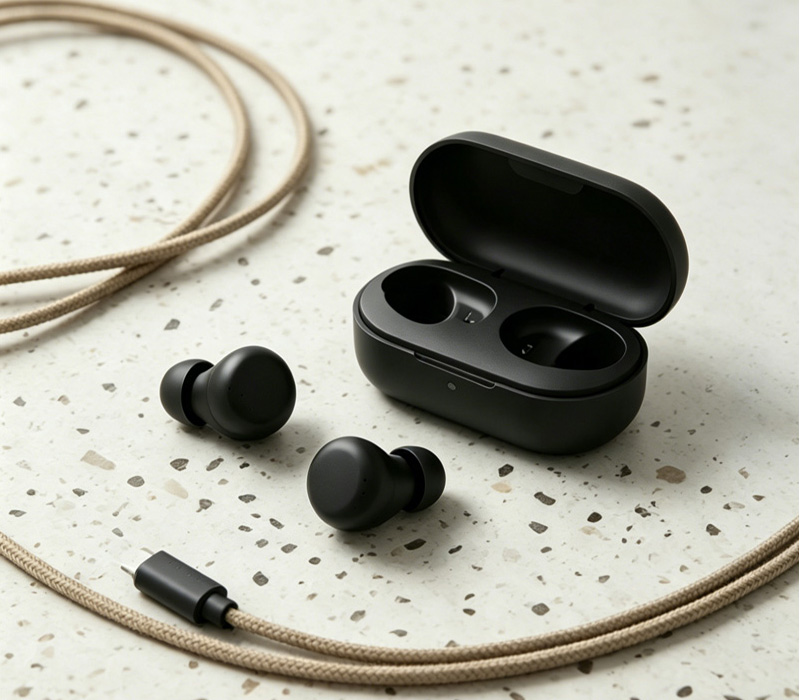
product5

Wireless Headphones

There are many variations of passages of Lorem Ipsum available, but the majority have suffered alteration in some form, by injected humour, or randomised words which don't look even.
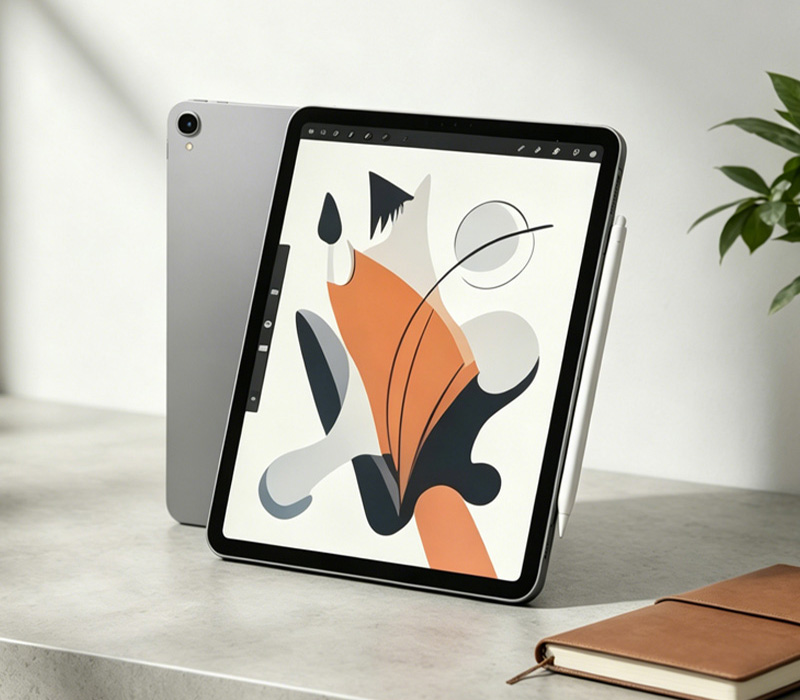
product4

Tablet

There are many variations of passages of Lorem Ipsum available, but the majority have suffered alteration in some form, by injected humour, or randomised words which don't look even.
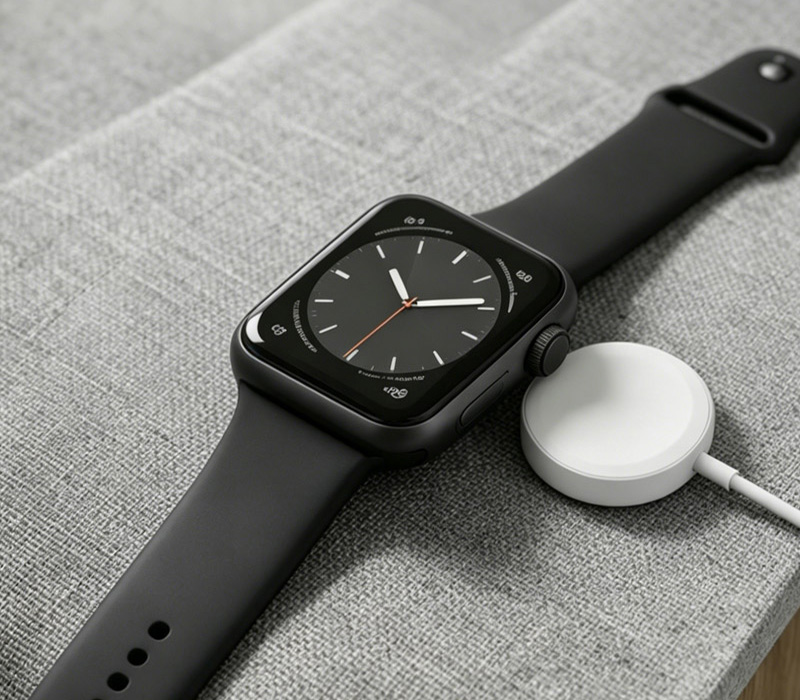
product3

Smartwatch

There are many variations of passages of Lorem Ipsum available, but the majority have suffered alteration in some form, by injected humour, or randomised words which don't look even.
product2

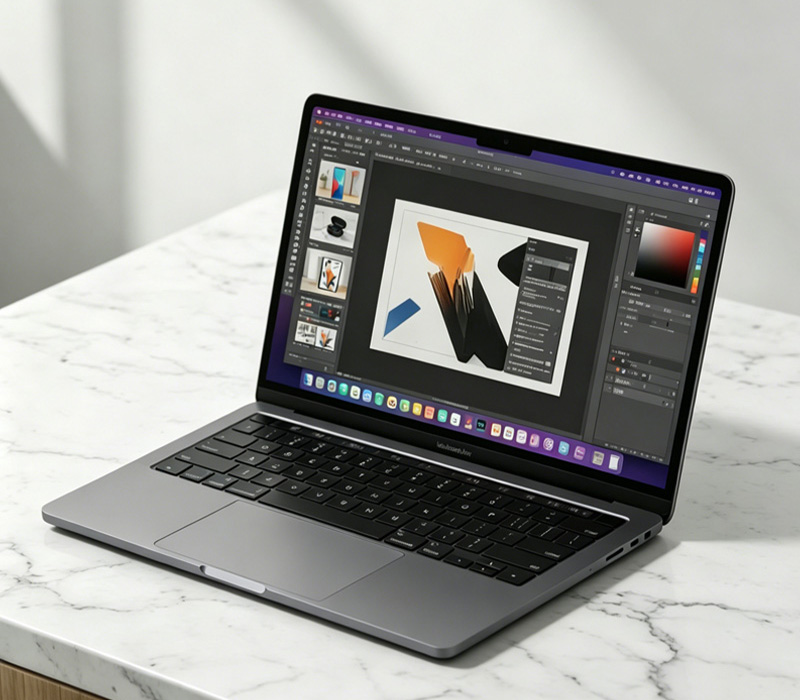
Laptop

There are many variations of passages of Lorem Ipsum available, but the majority have suffered alteration in some form, by injected humour, or randomised words which don't look even.
product1

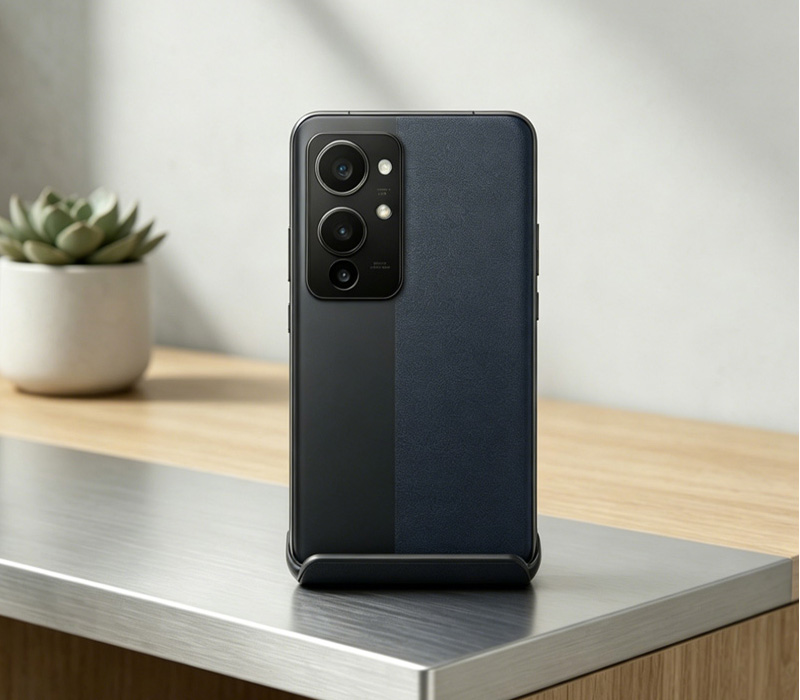
Smartphone

There are many variations of passages of Lorem Ipsum available, but the majority have suffered alteration in some form, by injected humour, or randomised words which don't look even.

Faq

How can I maximize the battery life of my device?

To extend your device’s battery health, avoid letting the battery drain completely to 0% or staying fully charged at 100% for extended periods; keeping it between 20% and 80% is ideal. Additionally, avoid using the device in extreme temperatures (above 35°C/95°F) or while it is fast-charging, as excessive heat can permanently degrade battery capacity.

What should I do if my device fails to connect via Bluetooth?

First, ensure that your device has Bluetooth turned on and is within the effective range (usually within 10 meters/33 feet). If it still won't connect, try resetting the connection: go to your smartphone/PC settings, "forget" or remove this device from your Bluetooth history, restart both devices, and then attempt to pair them again from scratch.

Why is it important to update the firmware, and how do I do it?

Firmware updates provide critical bug fixes, patch security vulnerabilities, and sometimes introduce brand-new features or performance optimizations. You can easily check for updates by connecting your device to its companion app or checking the "System Settings" menu while connected to a stable Wi-Fi network.
ABOUT1
FAQ
VR-glasess bg-full-circle circle-decor-primary tech circle-benefits-shape

Contact with Us


    Products
    Contacts
    WhatsApp
    Email