
 by admin
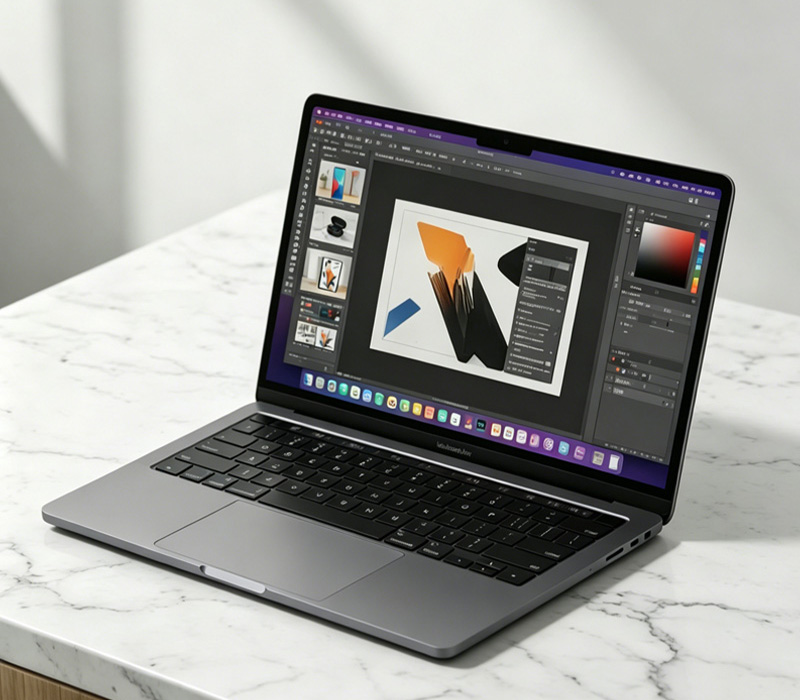
 Many modern laptops feature beautiful 120Hz or 140Hz displays. While this makes animations incredibly smooth, it eats up a lot of power. If you are just typing a document or responding to emails, drop your refresh rate down to 60Hz in your display settings to immediately save battery.
Apps like web browsers can be massive resource hogs. Keep your tab count low, and close background applications you aren’t using. Additionally, utilize your operating system’s built-in “Battery Saver” mode, which automatically throttles background tasks and dims the screen slightly.
By managing these small settings, you can easily squeeze an extra two to three hours of productivity out of your machine.